In the last post I mentioned that I would be posting the Matlab scripts in a public source repository once I settled on an open source license. I’ve selected Apache 2.0 as the license and setup a git repo here.
I went ahead and added a third script:
function DrawIldaFrame(x, y, z, s, c, showBlanked, view3D, target)
% Plot an IldaFrame
% Inputs:
%     x, y, z, status, and color information
% Optional Inputs:
%     showBlanked (0 or 1) to show blanked points
%     view3D (0 or 1) to show in 3D
%     target axes to plot to
To make it easier to quickly plot an imported ILDA frame. And a simple applet built with Matlab’s App Designer:
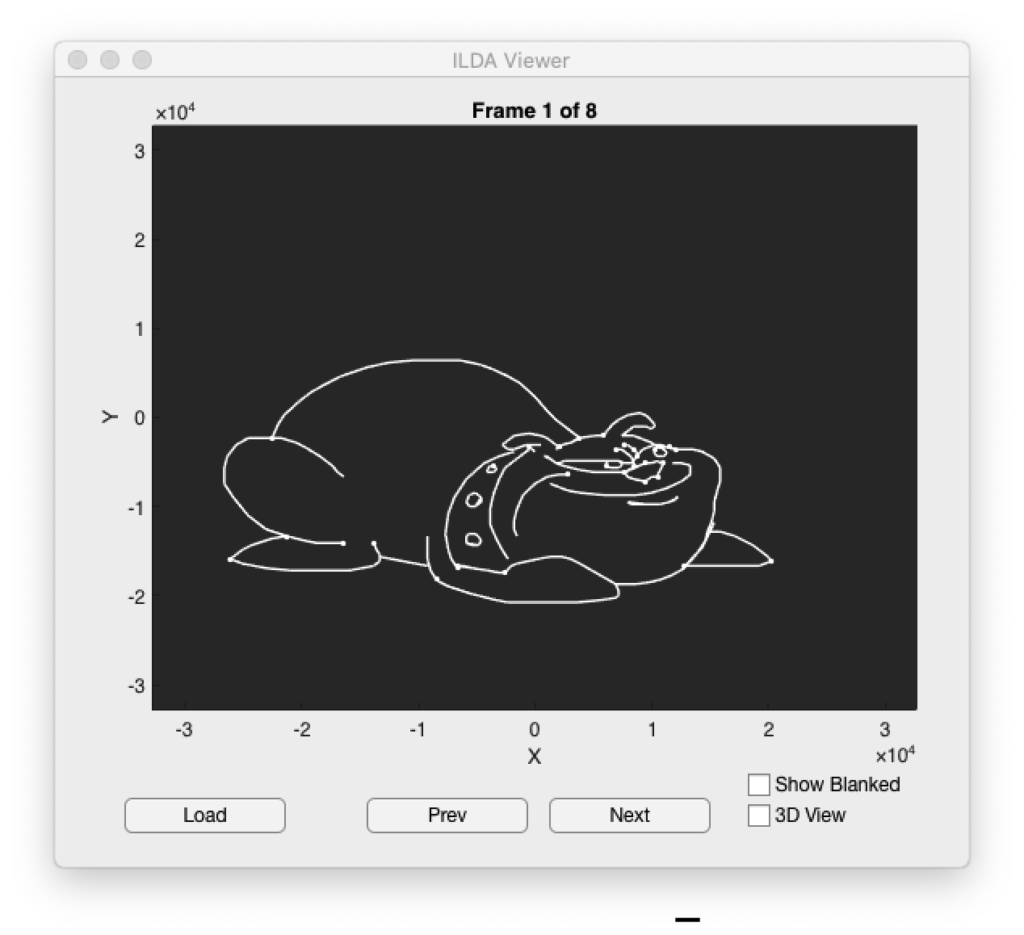
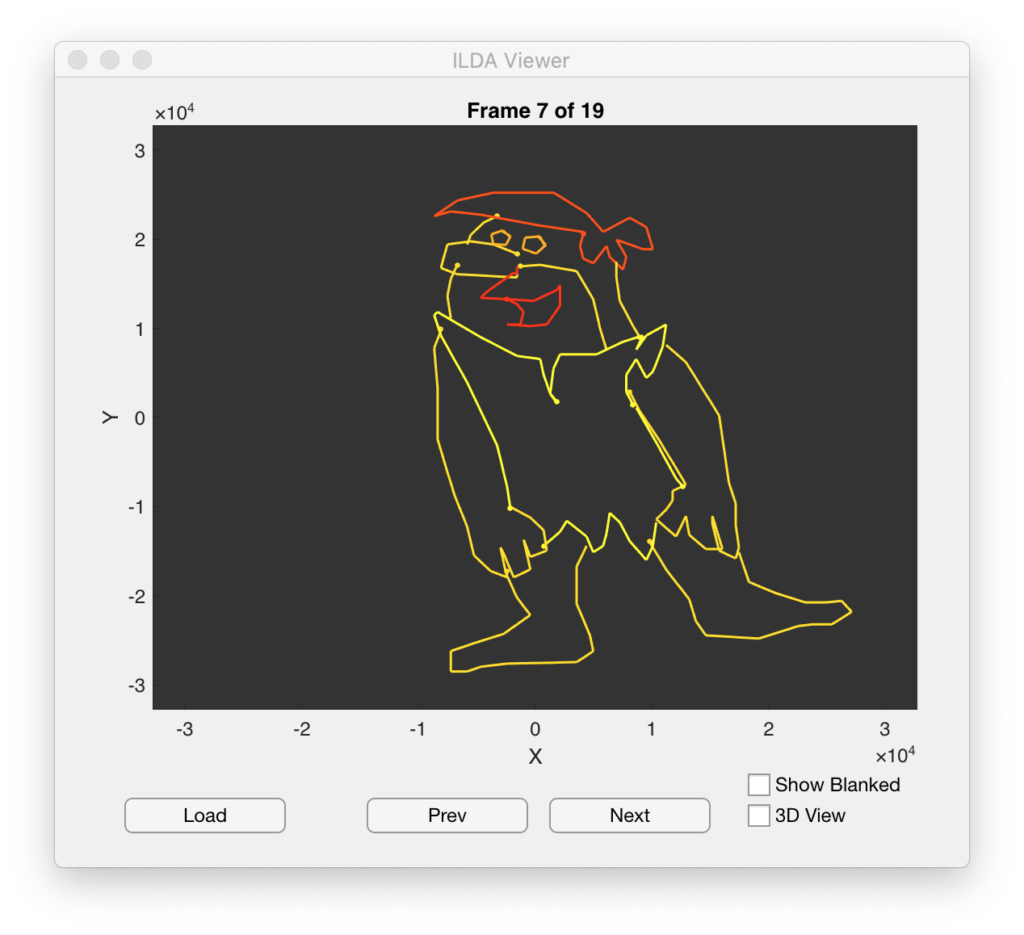
It’s a tad slow but, as I promised before, we will be writing something much better down the road. In addition to letting you scroll through all the frames in a file the app does try to honor any color information that is included. But I only tested with a small number of ILDA files so the scripts might need tweaking for some of the allowed file format variations:
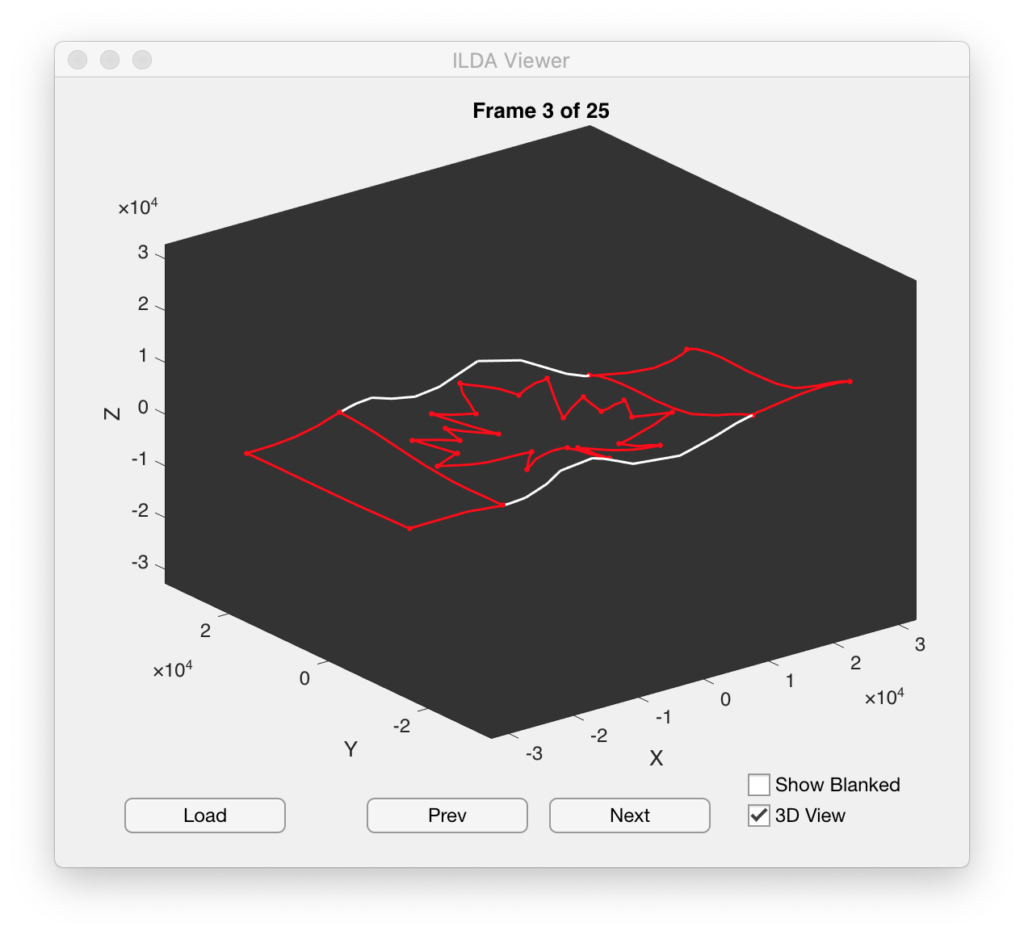
You can also put the Matlab plot in 3D mode to examine graphics that use the Z axis (many don’t):
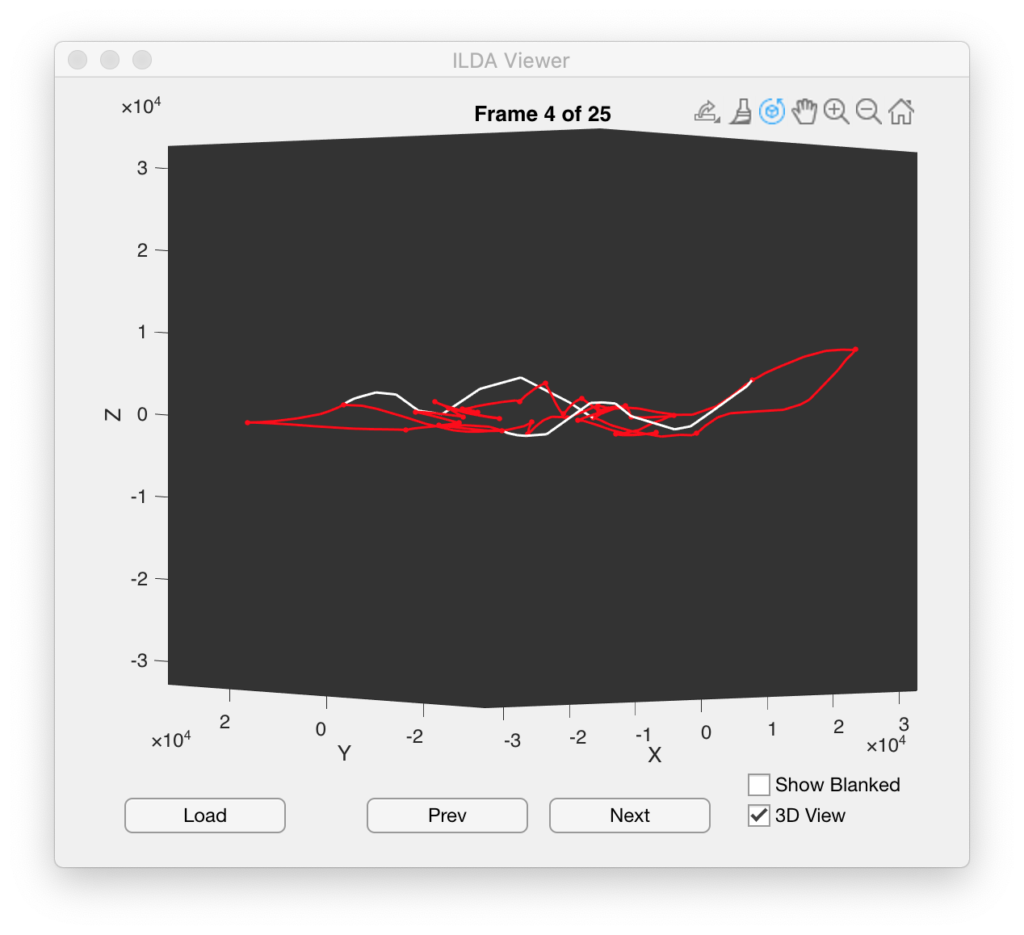
The standard Matlab popup tools are still there so you can orbit around 3D space, zoom, pan, export views, and etc.
One thing that can be interesting to do is to display the blanked parts of the frames as well:
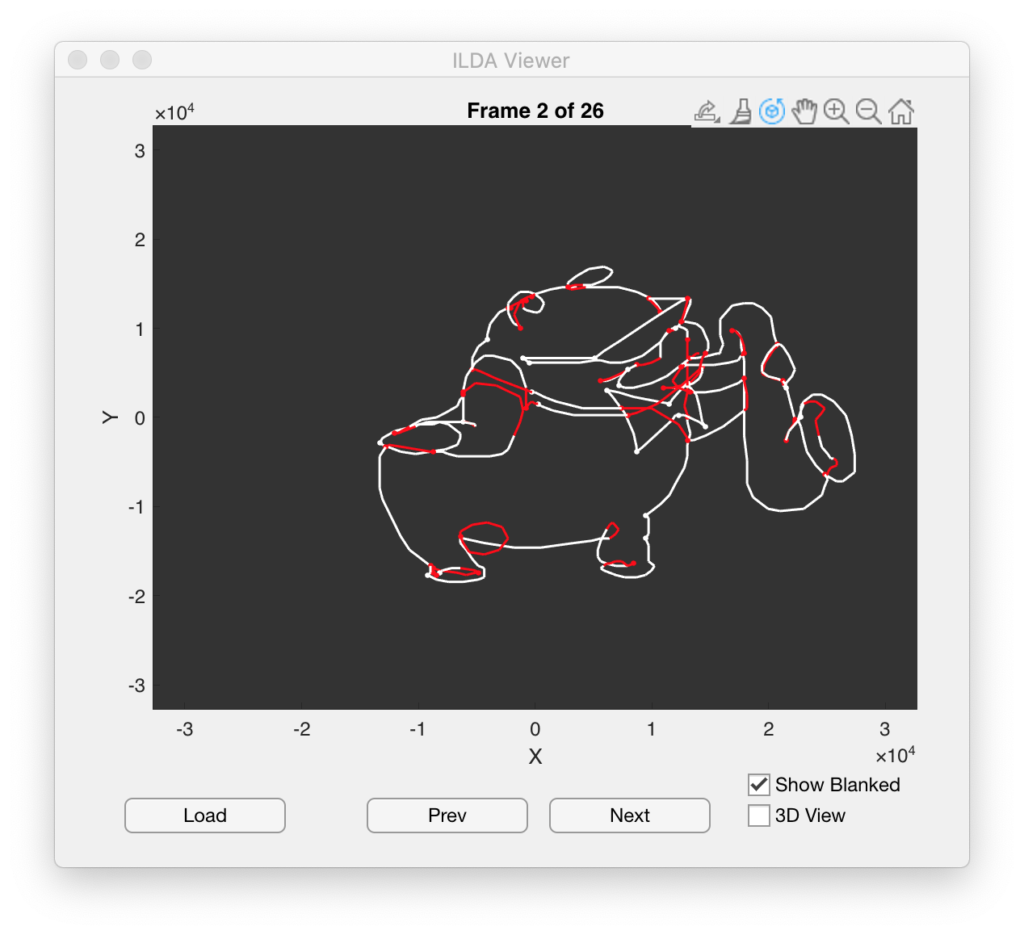
One of the things that keeps striking me is that some of the best looking graphics are still ones that were done 35 years ago on an 8 bit system using slower scanners and mechanical blanking. Because of the limits of the technology back then the artists would do things like turn corners with loops and blank along the imaginary surfaces of the object being draw (like the mouth of the sax above). These techniques stopped visible line ends from bending at less artistic angles and made any imperfect blanking/light leakage look more natural.
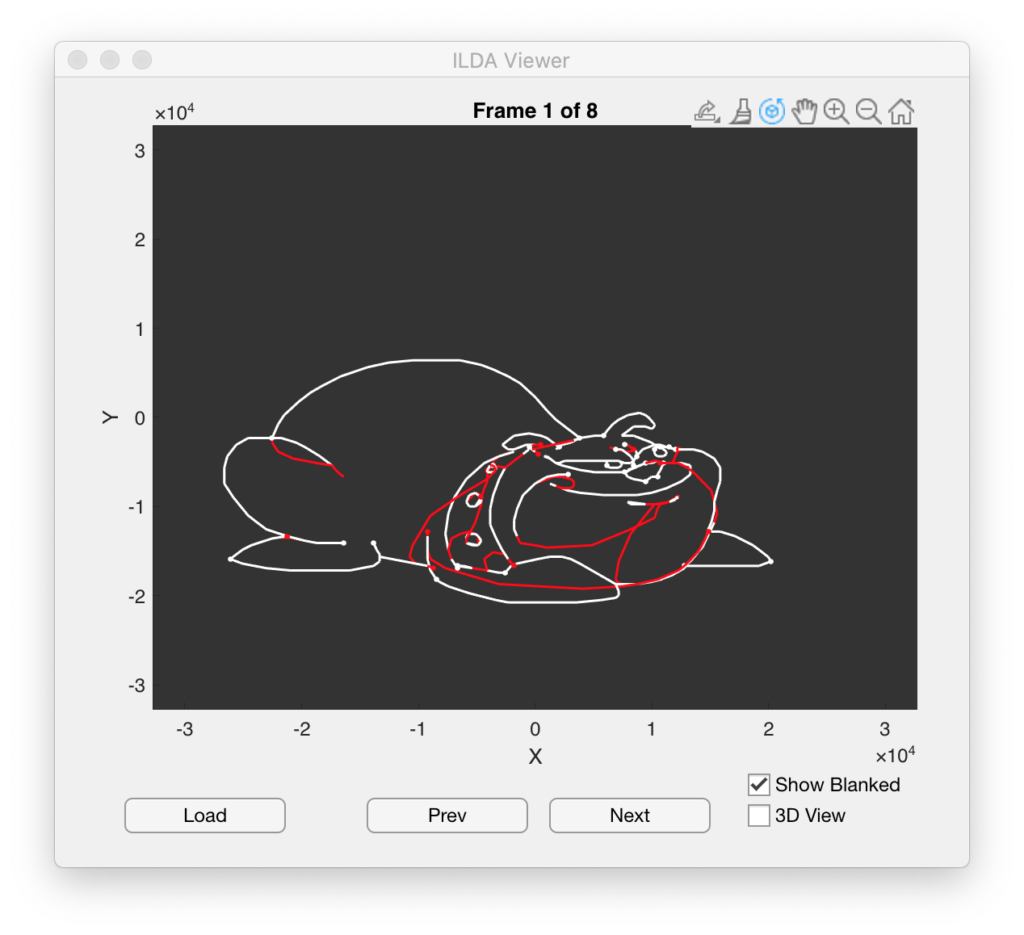
Another technique you’ll find is excess blanked points in some animation frames. For example, this bulldog has some large loops of blanked points:
Later in the animation he swells in size:
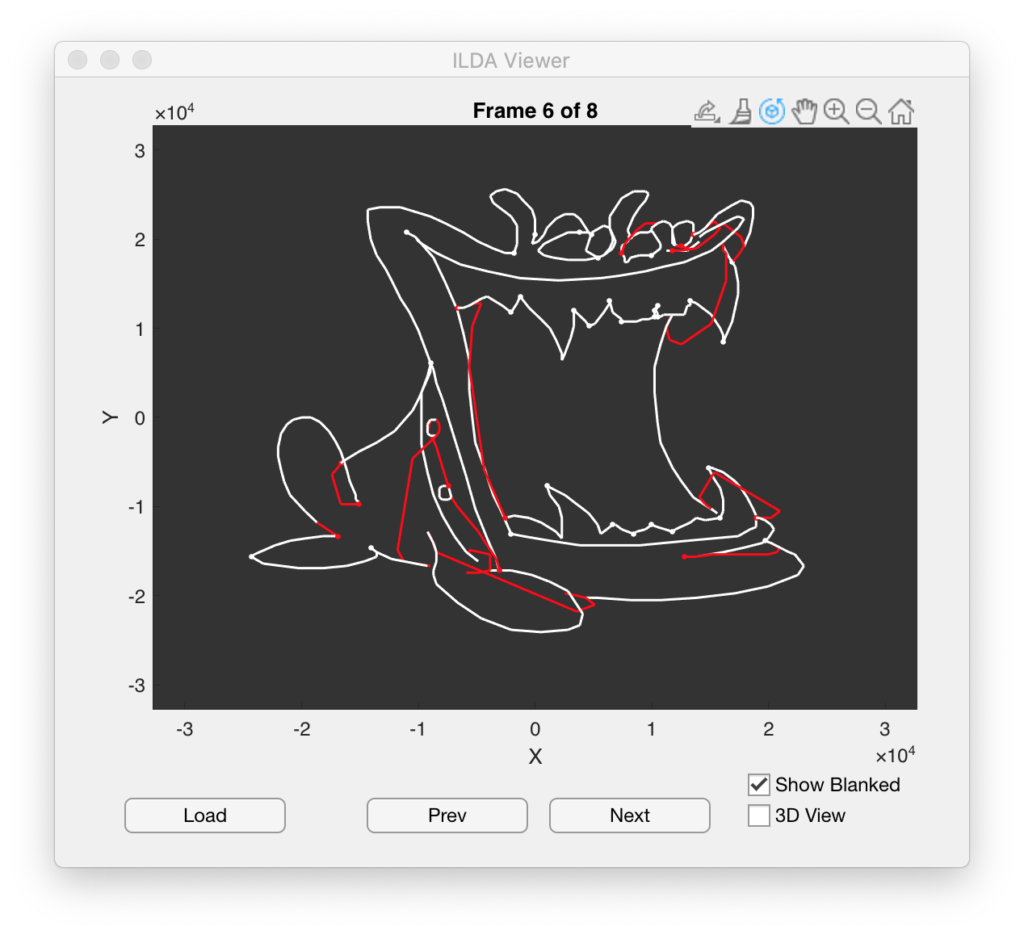
In that frame the excess blanked points in parts of the image are greatly reduced. As we will see later, image manipulation, like position, rotation, etc. should typically only occur after each complete scan of an image. Otherwise the image will look like it is tearing to the people watching it as it moves. Because every frame must typically be drawn in its entirety, keeping the number and distribution of total points fairly even from frame to frame helps animations look smoother and more uniform in brightness.
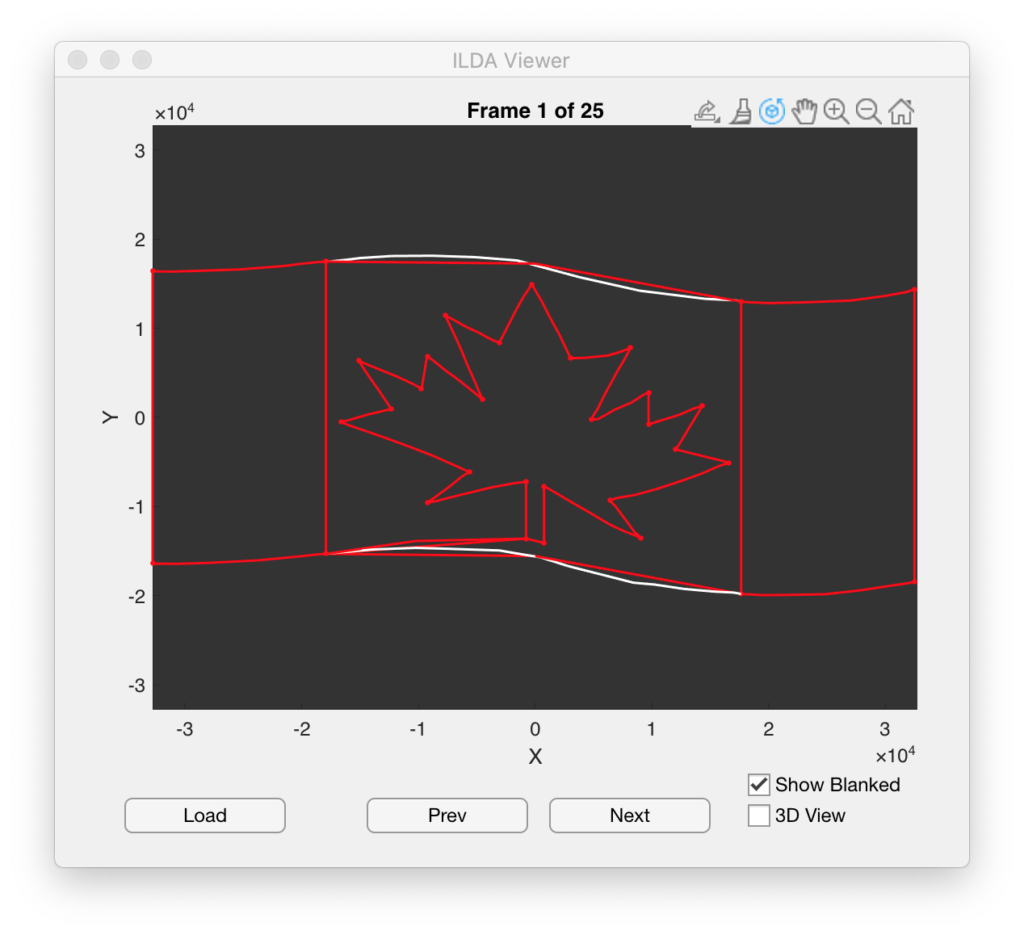
As we can see from looking at newer images, this appears to be largely a dead art form. People tend to move in straight lines from one blanked section to another and do not give much thought to drawing order, or consistency from frame to frame:
That’s about it for this little bit of Matlab/ILDA file housekeeping note. I’ll be back soon with some more on the main aspects of our project!
Leave a Reply