Download OS X and Windows 32 and 64 bit versions from GitHub here.
Changes from JSE 0.1.4
Bug Fixes
- Fixed case where shapes on sketch layer are off screen, then rendered to ILDA points, no truncates instead of wrapping to opposite endge
New Features
- Added start and end depth for sketched shapes (Z control)
- Added controls for extra points at beginning and end of shapes
- New tool to generate varying number of anchors evenly spaced along shape (user request)
- New tool to remove lines between anchors for selected shape(s)
- Draw-from-center versions of Ellipse and Rectangle tools (user request)
- Menu entries and shortcuts for layer selection and visibility
- Menu entries and shortcuts for all tools
- Added inc/dec selection for selected anchor on sketch layer (user request)
Notes
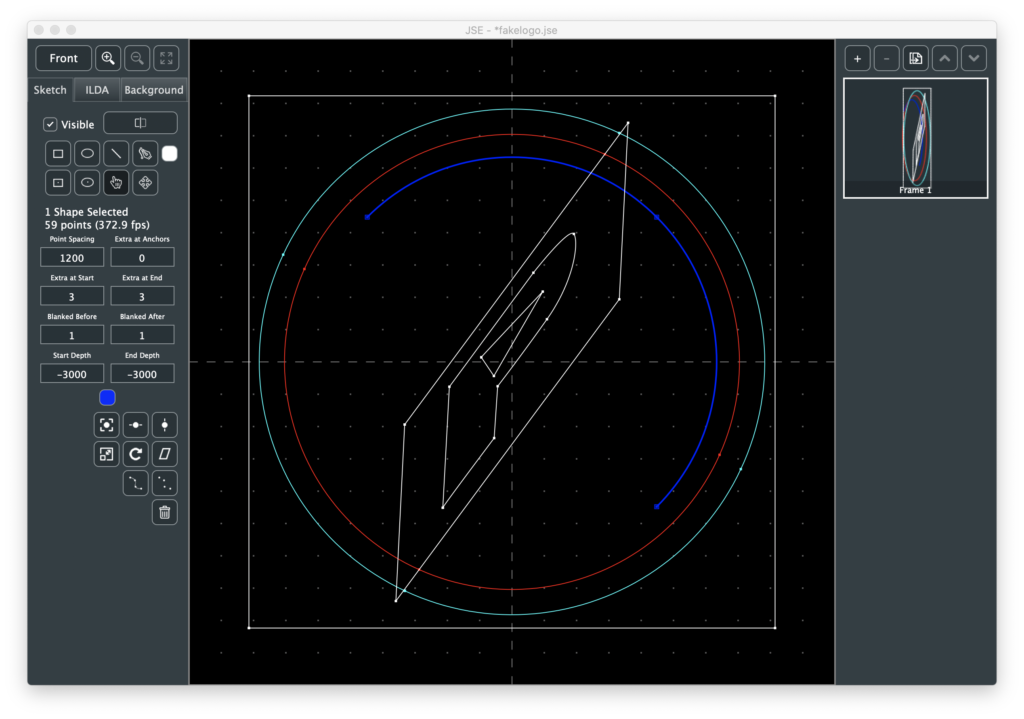
The features this release are all largely unplanned. They grew out of user feedback to the sketch layer and my own attempts to draw simulated logos like this one:
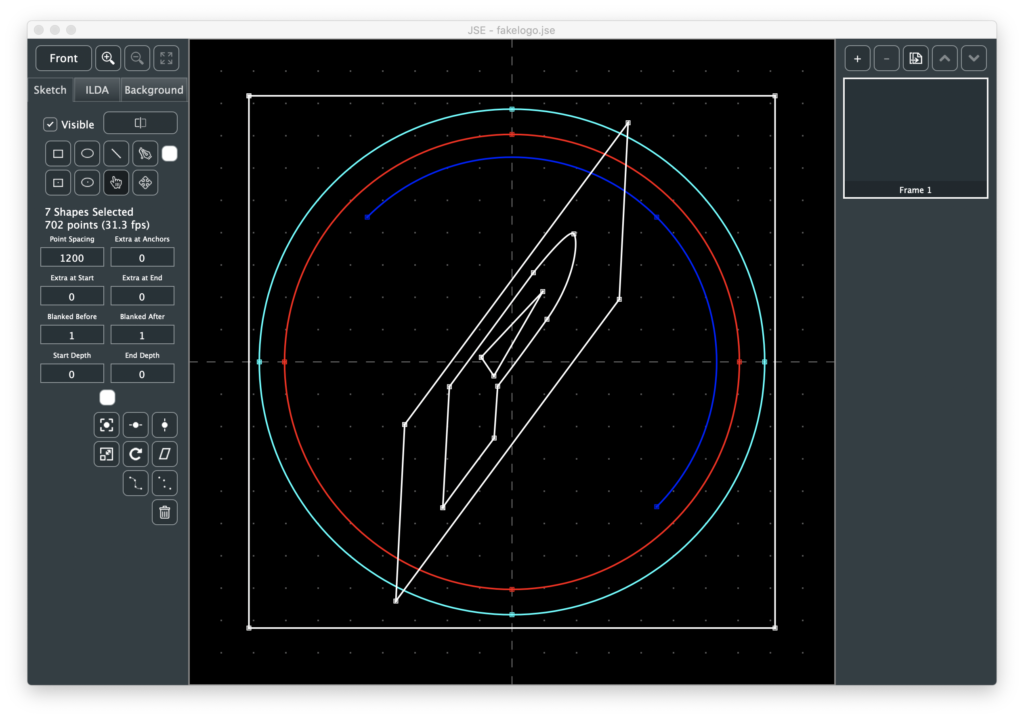
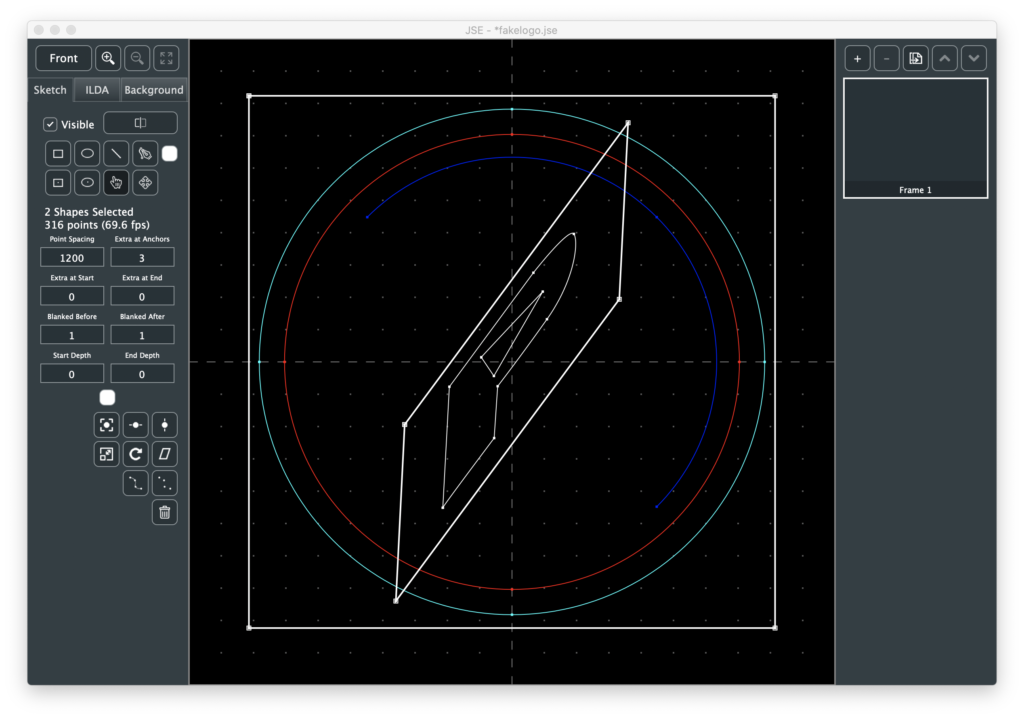
For the most part, the model I envisioned of sketch, render, tweak settings, render… works well. The logo comes up and is recognizable, but the rectangles would look better if the corners were ‘hotter’, so select, change “Extra at Anchors” and render:
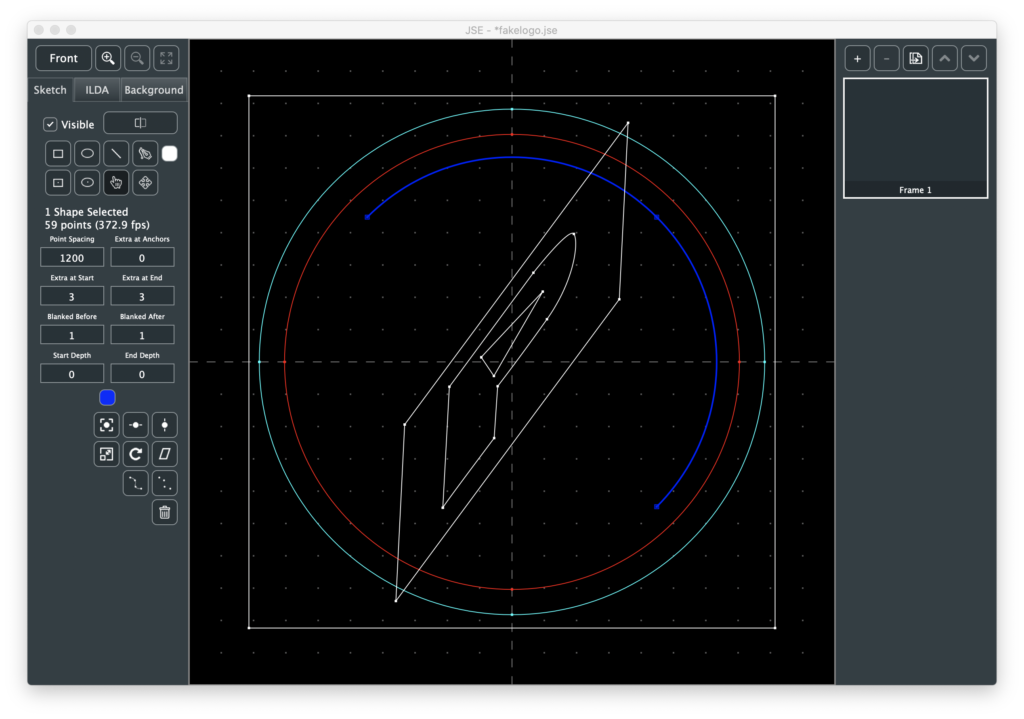
But to make the ends of the blue arc ‘hotter’, I had to go to the ILDA layer and use the point duplicate function. So I added Extra at Start and Extra at End as sketch shape options:
By default, circles start and end at the left edge and I learned that perfect circles are hard to render with the projector I have here. You usually end up with either a small gap or a ‘hot’ overlap. So I rotated the two circles so that the blemish was behind a line on the inner rectangle:
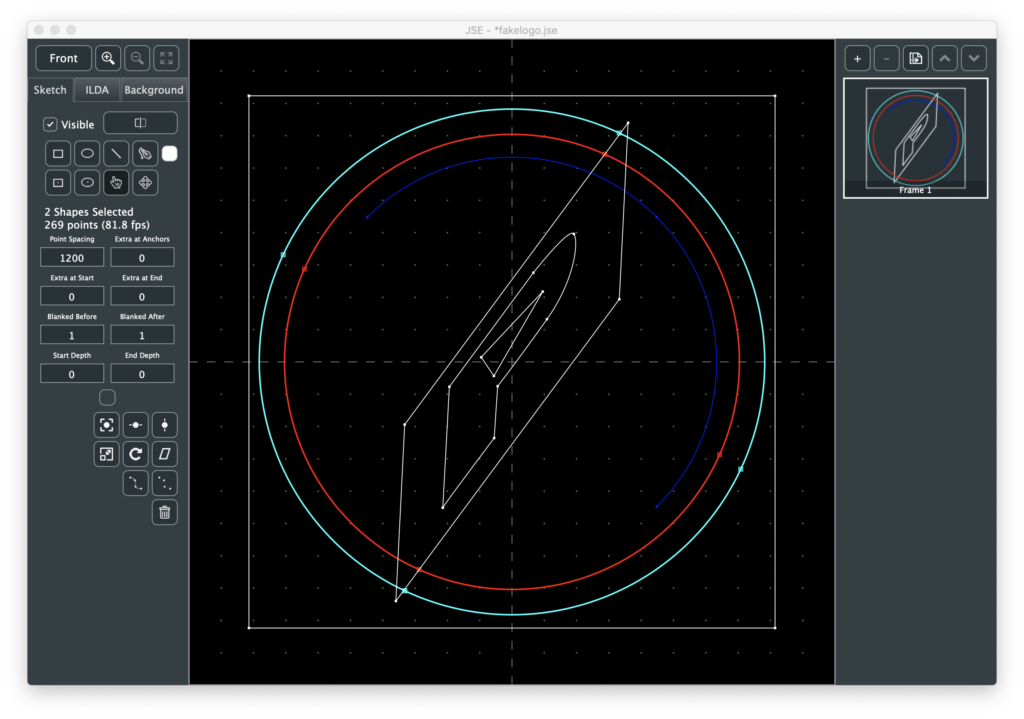
But that made some long blanked lines to and from the start and end of the outer rectangle:
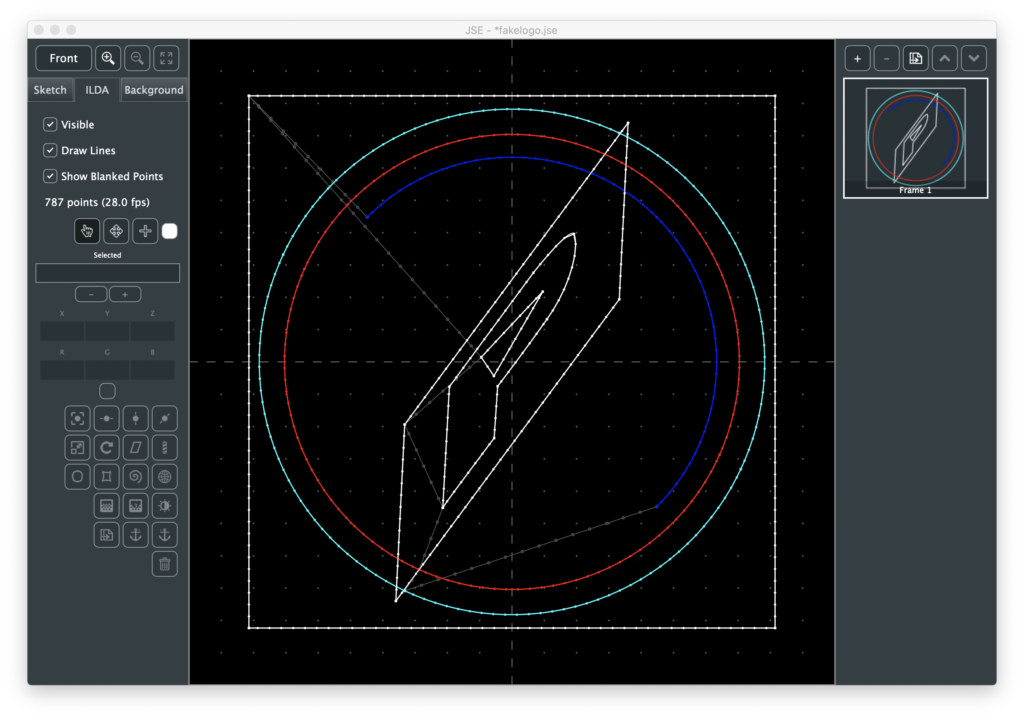
So I scaled that rectangle -100% on the Y axis and rendered again:
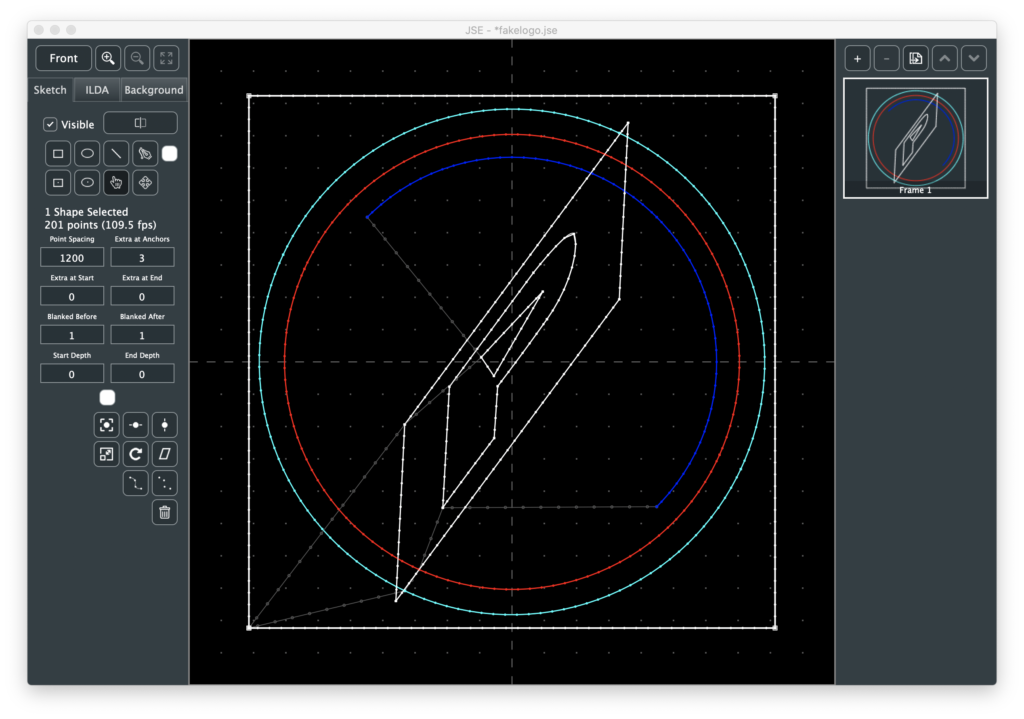
At this point it was looking pretty good, but boring when I rotated it on the scanners because it is completely flat:
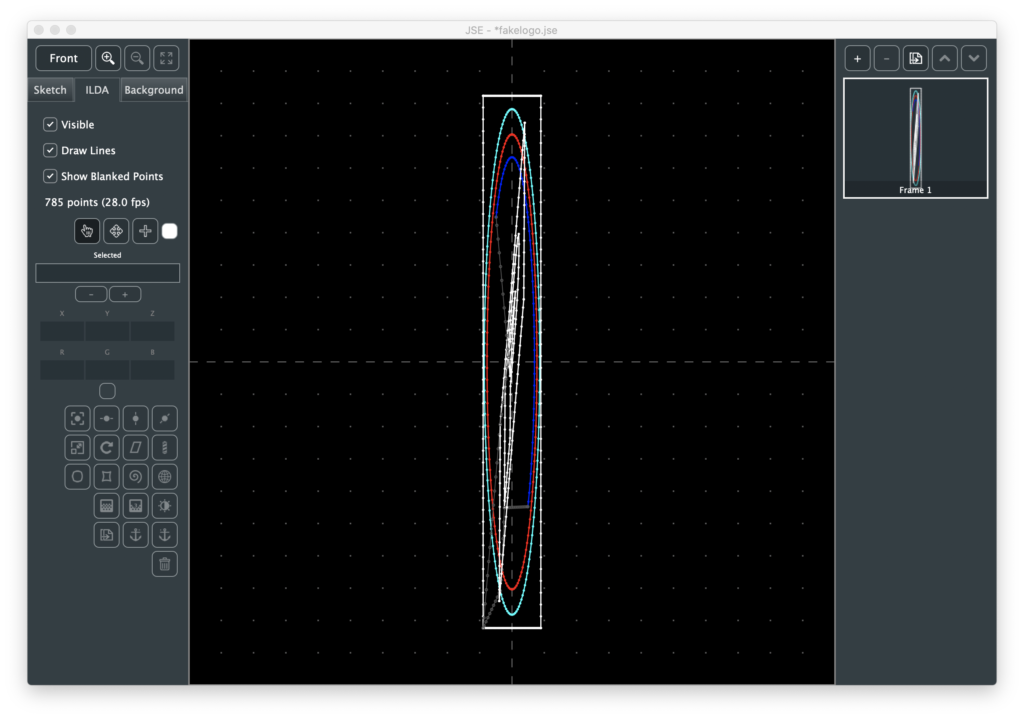
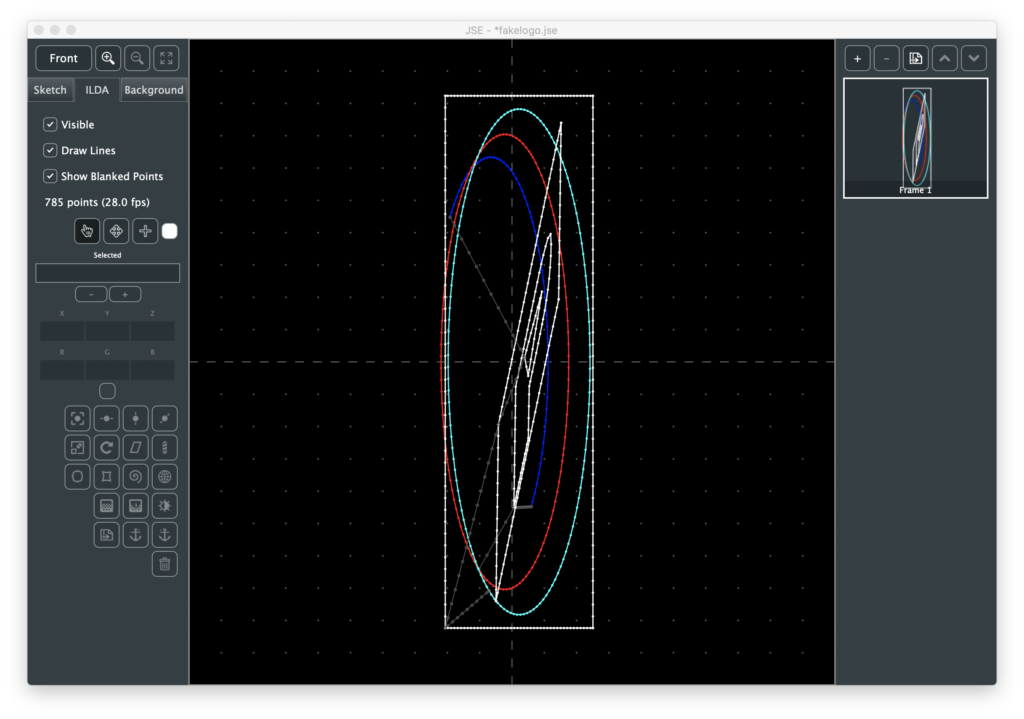
I gave it some Z depth using the ILDA layer, which wasn’t too hard, but a bit tedious, so I added start and end depth control for shapes on the sketch layer:
This wasn’t what I had originally envisioned for 3D drawing, but it is a really quick and easy way to give things a little depth, which makes the log look a lot nicer rotating on the scanners:
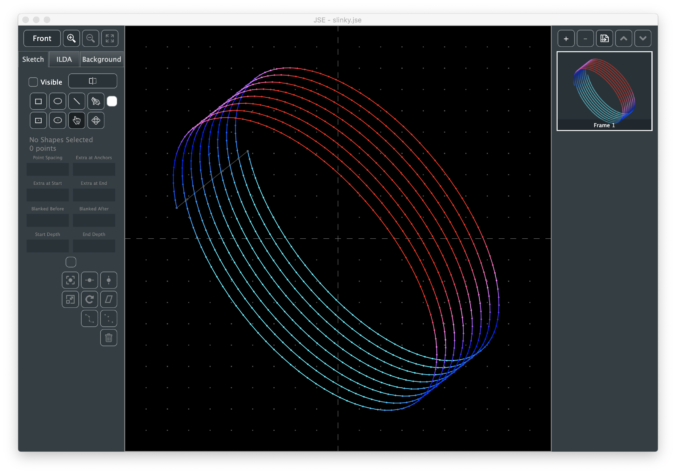
The reason I added start and end is so that users could easily do things like the 3D slinky at the top of this point. I just copied and pasted a circle, changing the start and end with each paste:
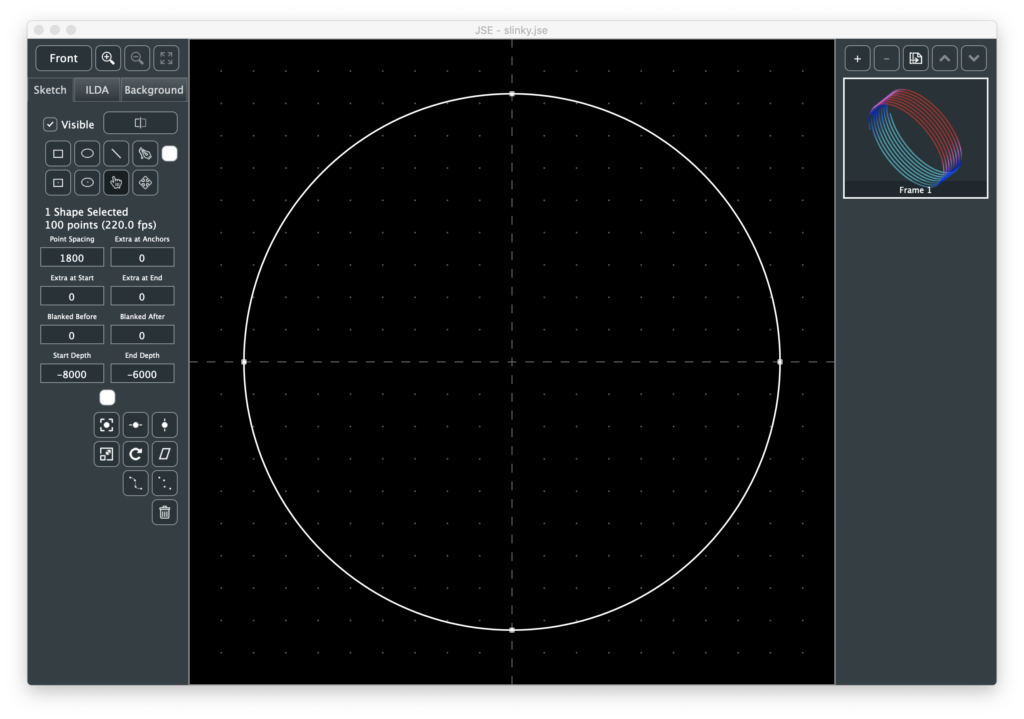
I also zeroed out the blanking before and after for most the circles and rendered, giving a nice smooth spiral, which I rotated and colored with ILDA effects.
Some other changes were user driven. One request I had was to make it easier to make certain types of images for aerial scanning. You can sketch a shape with the pen:
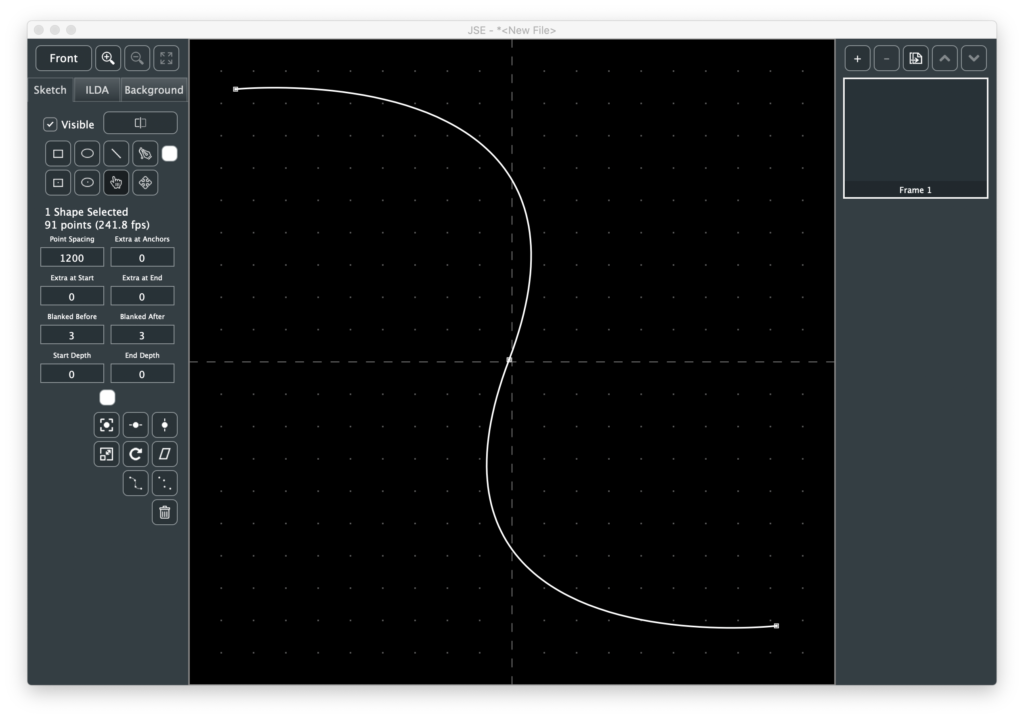
Then have the app insert uniformly however many anchors you want along the drawn shape, replacing any original anchors. You can adjust the “Extra Per Anchor” in the same transform:
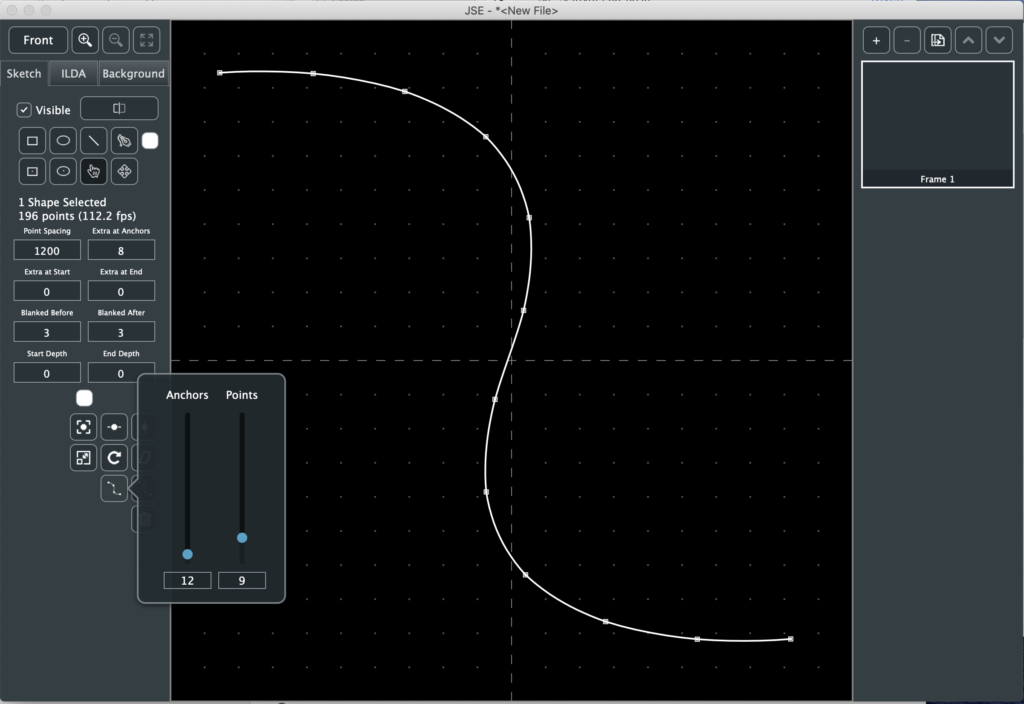
So you have a shape with hot spots in it. If you don’t want the connecting lines, use the tool next to it. That will convert the one shape into a series of single point shapes.
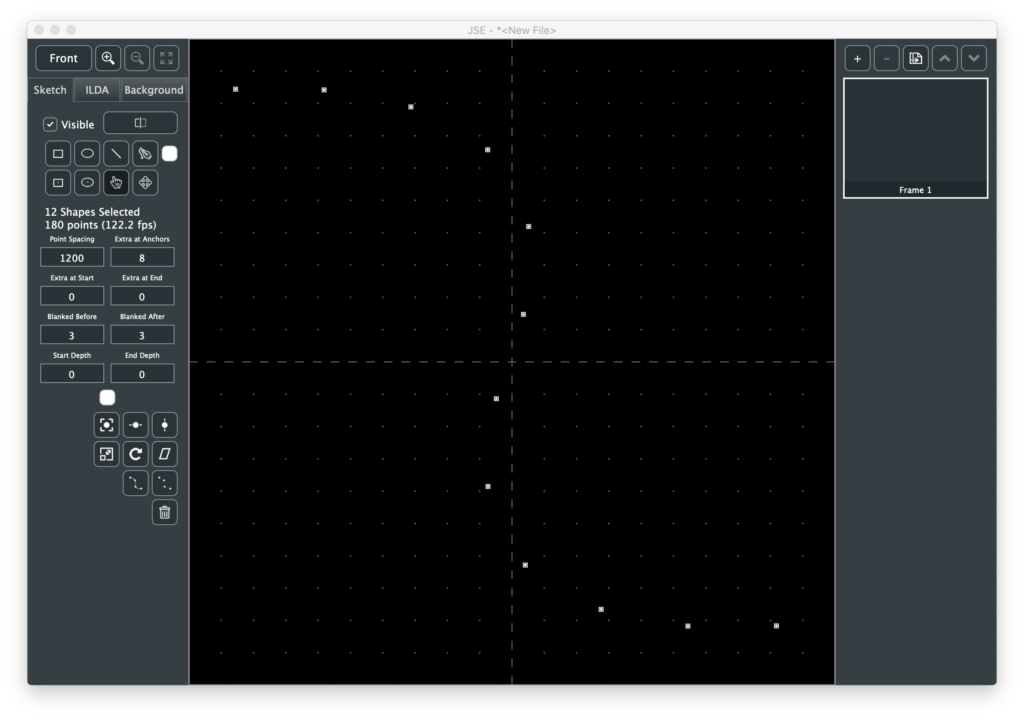
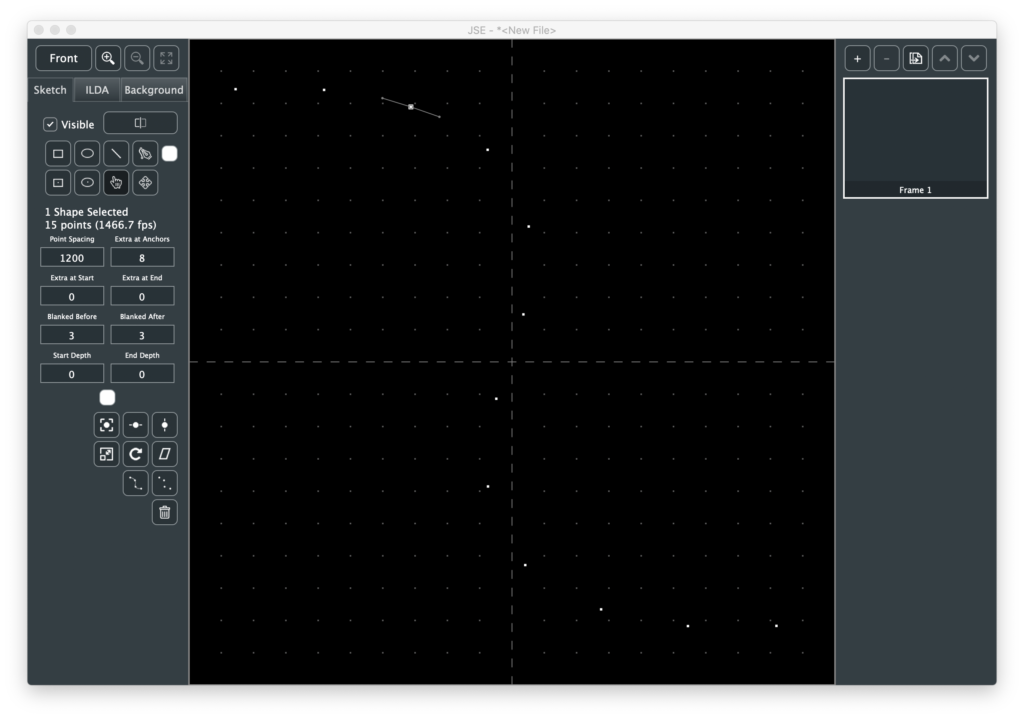
The new shapes keep the info from any original curves just in case you want to select them and use the pen tool to partially redraw the original shape, etc.
There are some other user suggested goodies, like draw from center versions of the ellipse and rectangle tools, but they are all pretty self explanatory.
Enjoy!
Leave a Reply