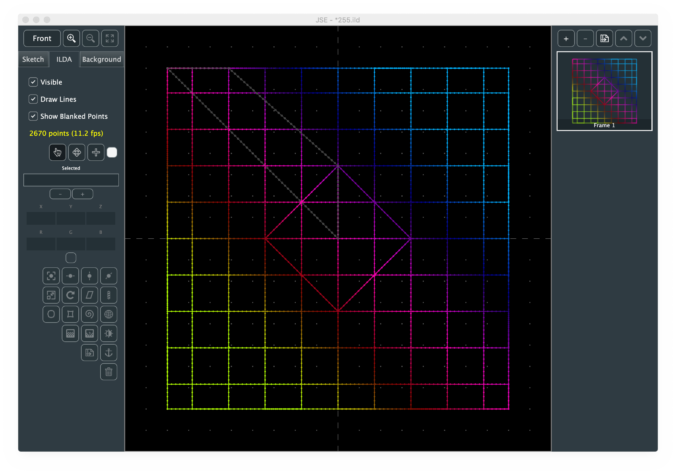
Download OS X and Windows 32 and 64 bit versions from GitHub here.
Changes from JSE 0.1.2
Bug Fixes
- Fixed a rounding error with center-of-selection calculation
New Features
- Added 2 and 3 color gradient tools
- Added Hue, Saturation, and Level adjust tool
- Point selection markers now hide during transforms/adjustments
Notes
For anyone following the commit count on GitHub, I did not have much time to work on JSE since the last release. Work, sports playoffs, zombie apocalypse… take your pick. In the one short session I did have, I squeezed in some basic color tools.
Both gradient tools are pretty simple. You can do a radial gradient:
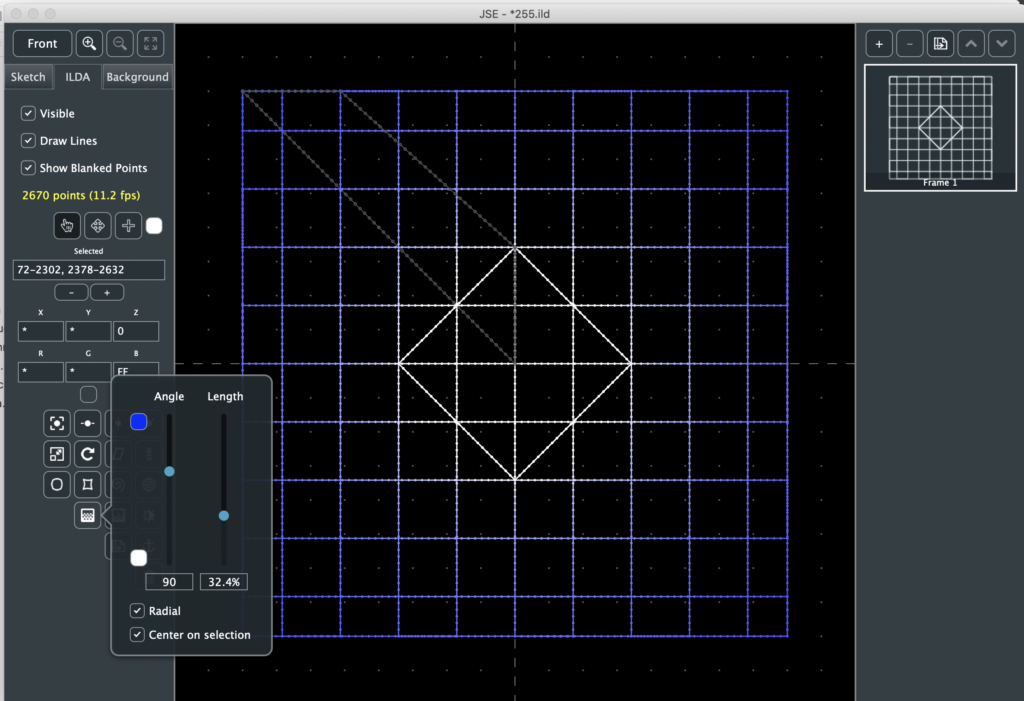
With a color fade that is circular to the center. In this case, the colors, length of the gradient, and what center to use (center of the ILDA grid or center of the selected points) are the primary controls.
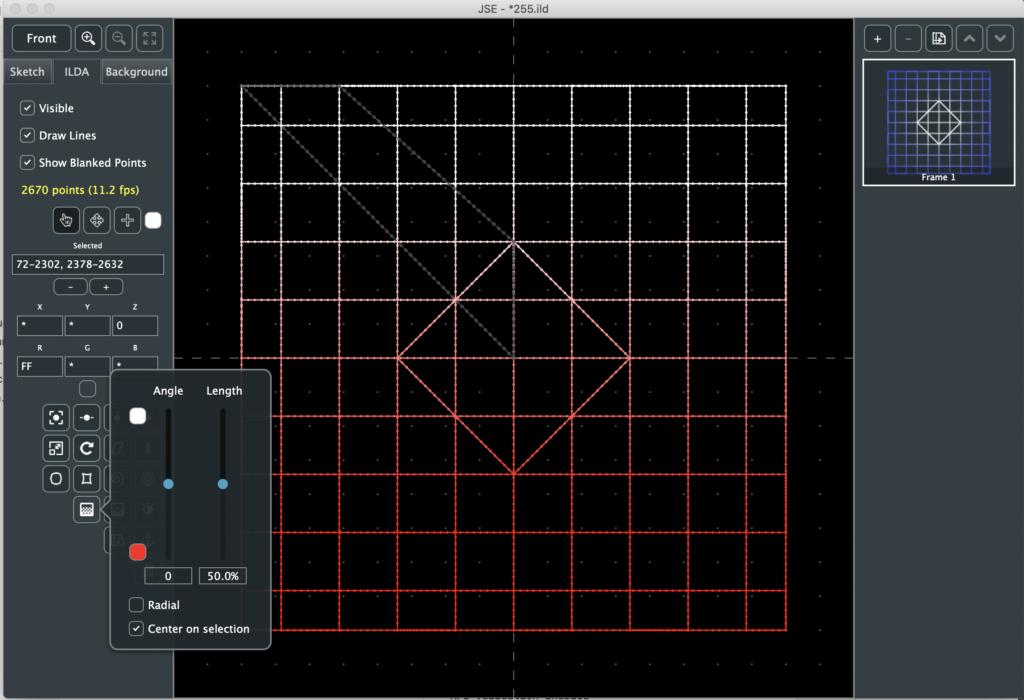
If you choose a linear gradient (not radial), you also have control over the angle the gradient travels across the selection or ILDA grid. You can make the gradient length very short and basically step between colors:
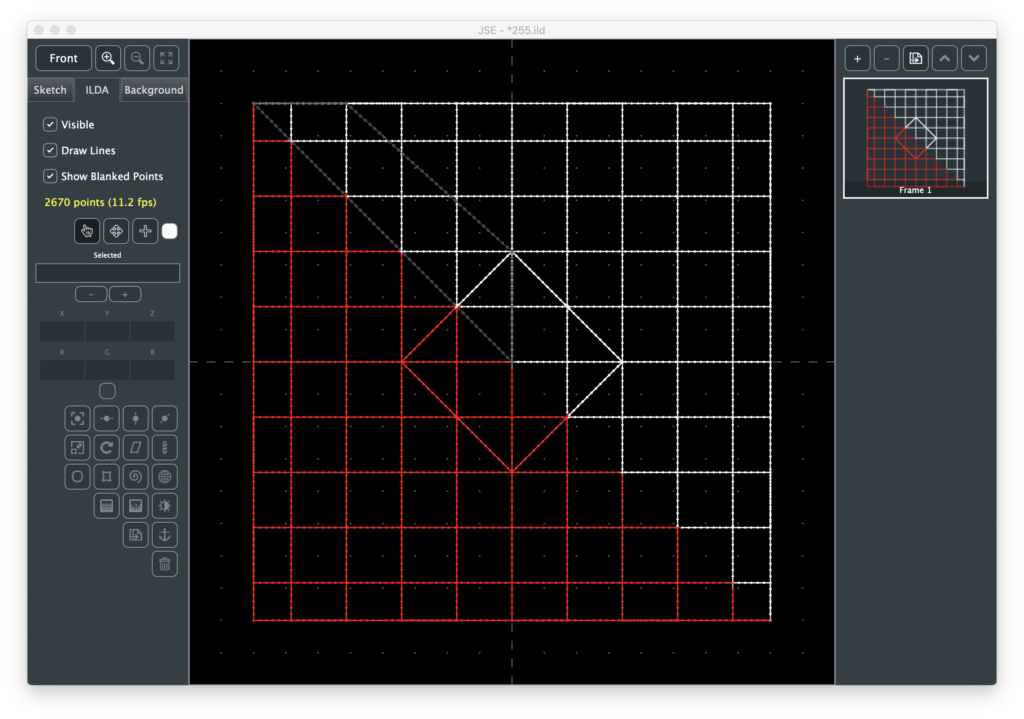
It’s important to note that the gradients are relative to the current view. So you can set them up based on Z position as well as X and Y:
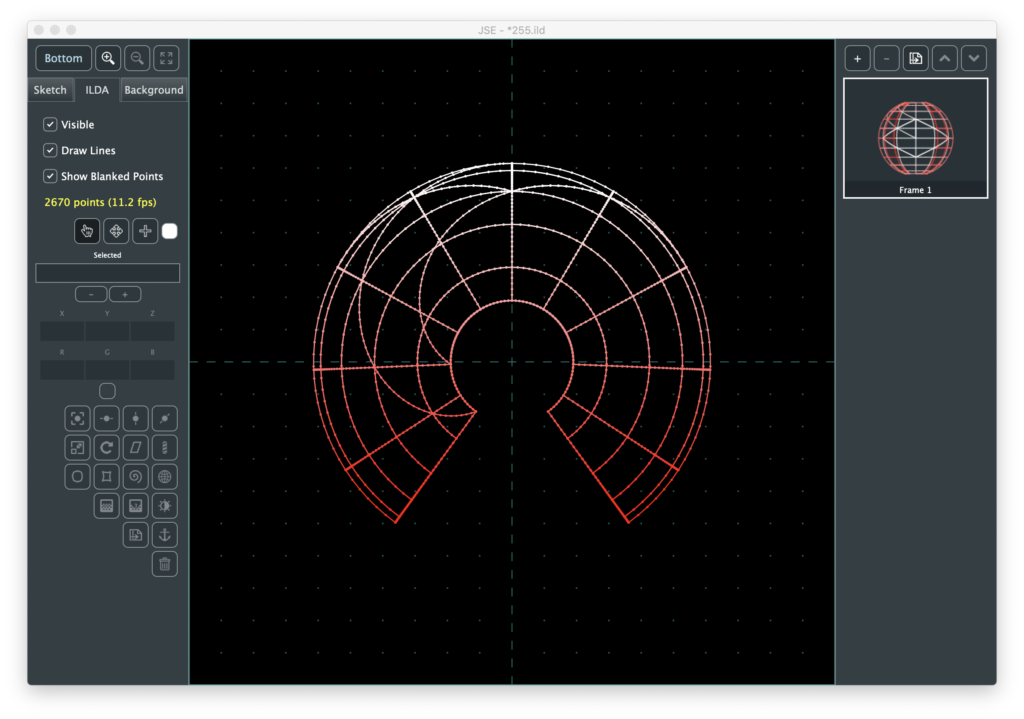
The 3 color gradient tool is identical except that you get to pick a color in the middle of the gradient between the other two:
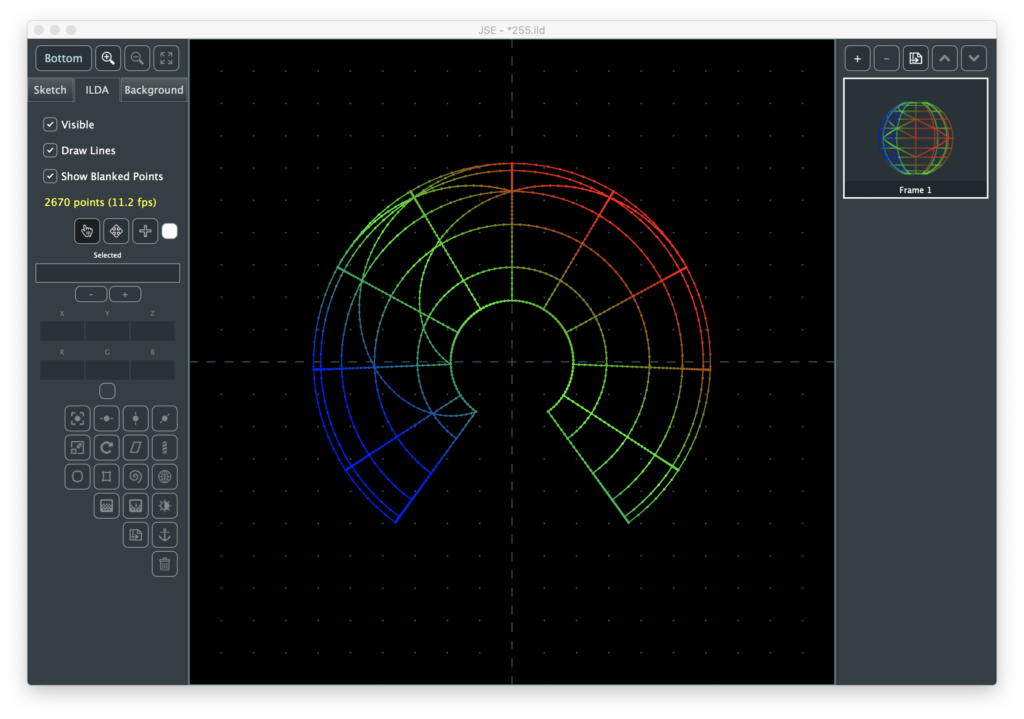
You can also pick black as a color. If a point is adjusted to black, it is blanked:
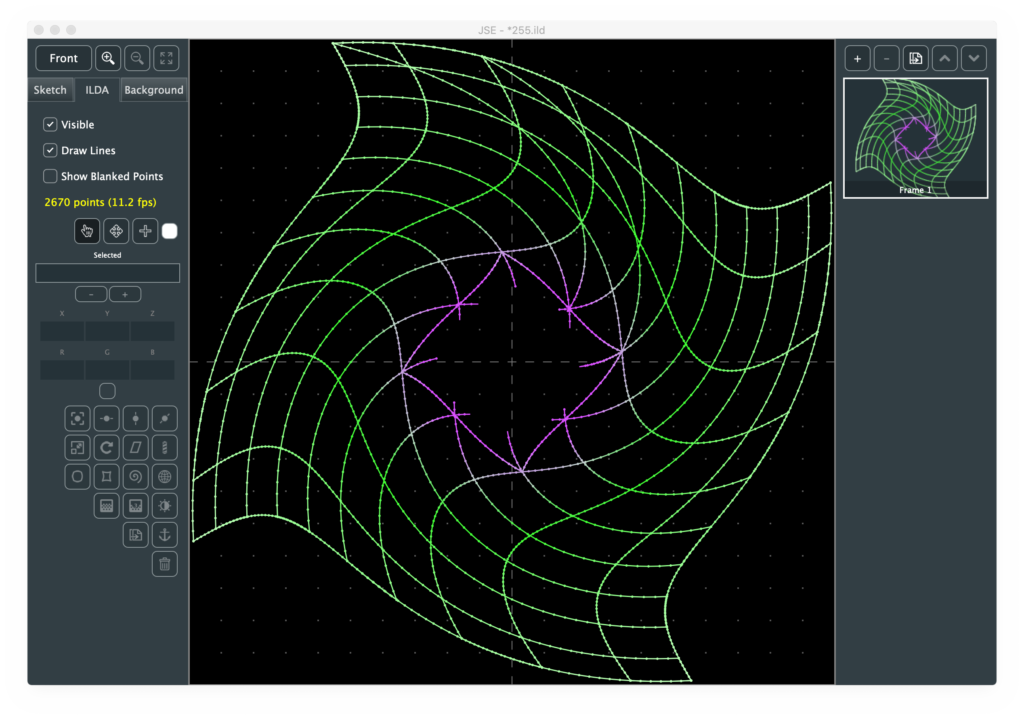
We generally refer to the color of an ILDA point in terms of RGB, or Red, Green, and Blue. But there are other ways to identify a color. These are usually called a “Color Space”. For example, video often is expressed in “YUV” color space, printing often uses CYMK color space. One color space that seemed kind of handy to me for lasers is HSL, or hue, saturation, and level.
The best way to get a feel for them is probably to throw a color gradient across an image and just play. Hue in particular is kind of fun.
One thing I noticed in color adjustments is that the selected point markers obscured the adjustment, so I changed the app to not draw them in the middle of a transform operation. That is, they will disappear when one of the popups with controls appears, then come back when the panel is dismissed.
Sorry for the thin list. I’ll try to get more in for the next release!
Leave a Reply